LightEaseV2
A downloadable game
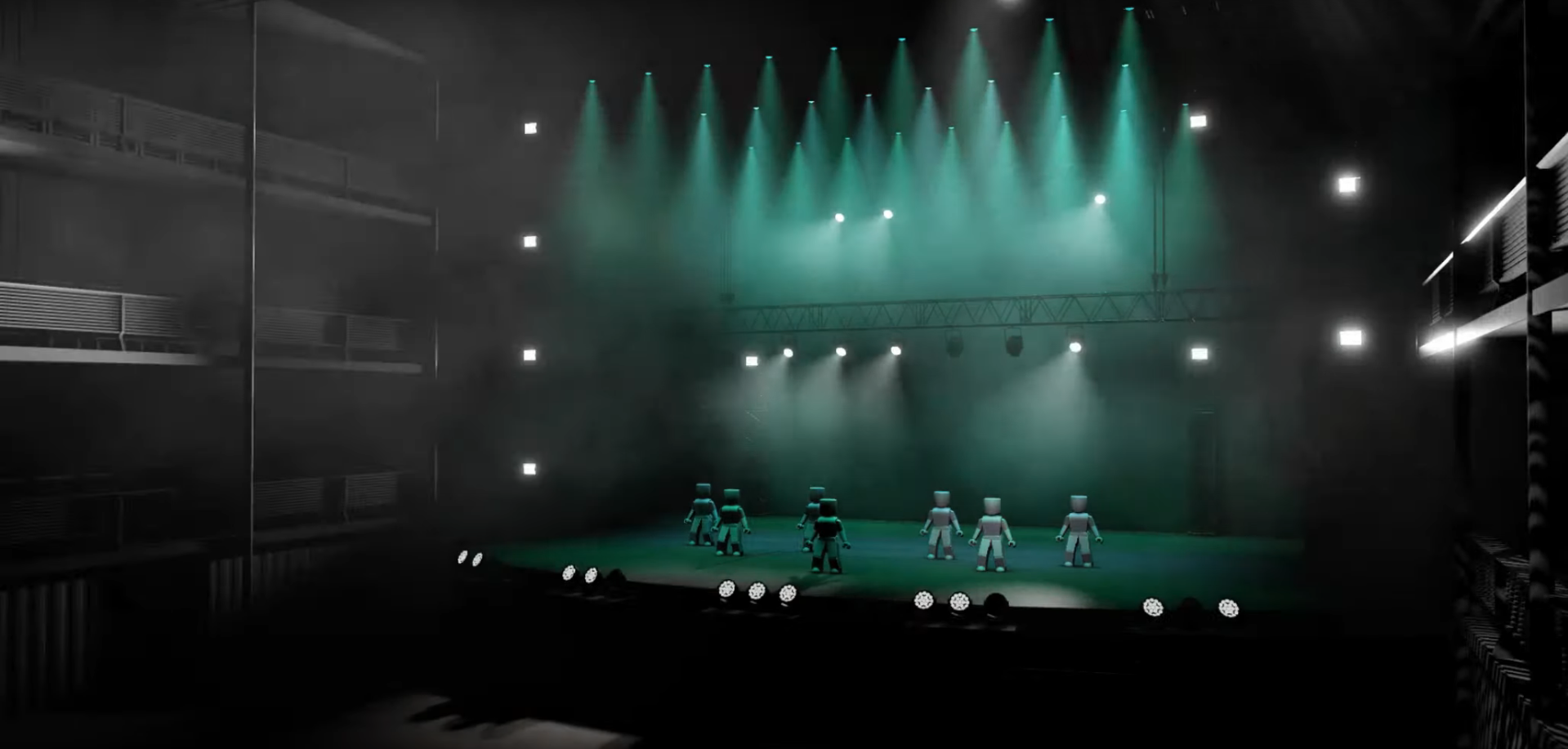
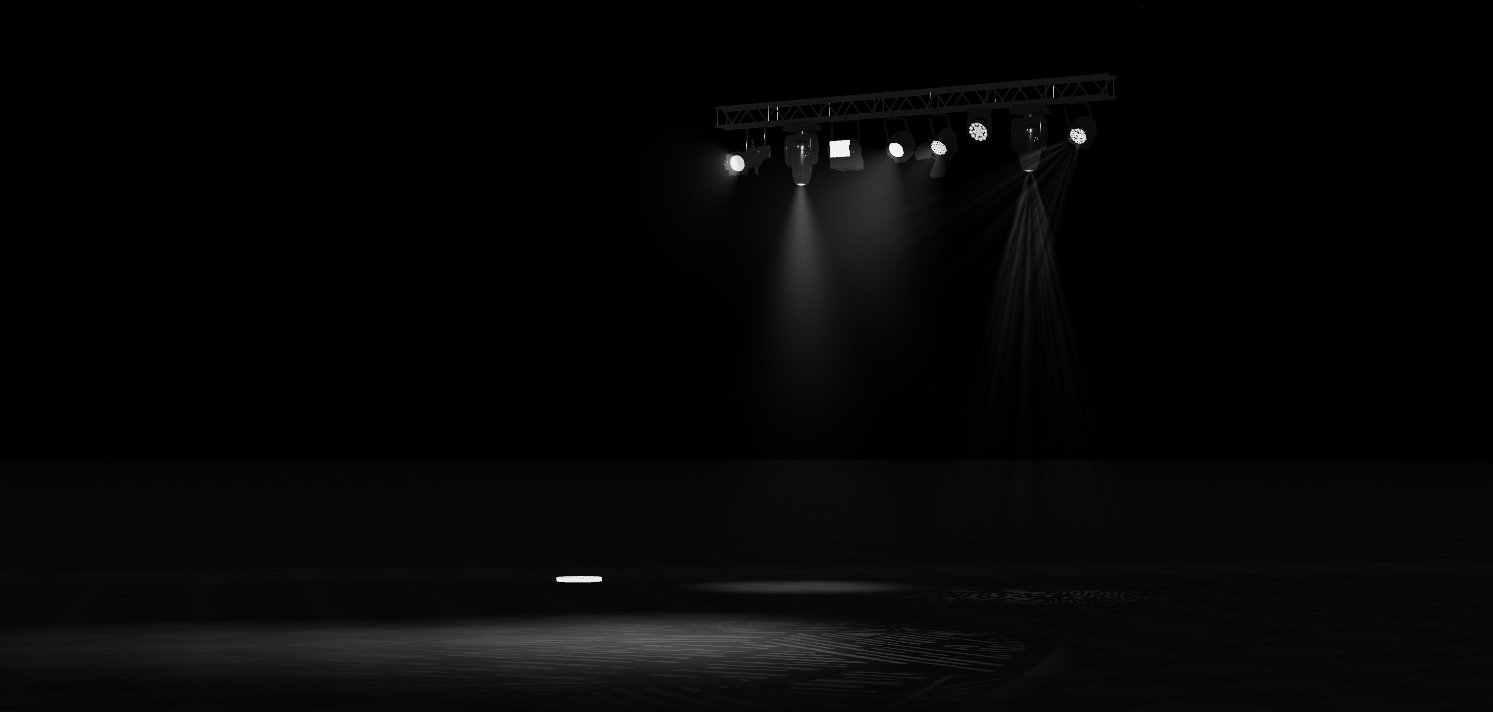
🌟 Welcome to LightEase V2! The ultimate easy-to-use stage lighting solution for ROBLOX events! Whether you’re planning an Eras Tour concert, a Broadway-inspired musical, or something entirely unique, LightEase V2 has everything you need to create stunning, smooth, automated lighting!
With over 220 satisfied users and amazing reviews, the previous system was a huge hit - and LightEase V2 takes everything to the next level! It’s perfect for beginners, but powerful enough for experts, offering a seamless lighting experience that everyone can use!
──────────────────────────────────────────
🎥 Check it out in action!
-
Automated Performance Showcase: Watch the full power of LightEase in our testing game! Click here to watch the automated show!
-
Video Performance: See LightEase in action on stage and get inspired! Watch the performance here!
Test In Roblox! https://www.roblox.com/games/86932995924131/LightEaseV2-Testing-Game──────────────────────────────────────────
Thinking about setting up a Roblox Eras Tour? Or maybe creating your own Broadway-inspired show? LightEase V2 is your perfect lighting companion! It’s designed to elevate your performances, making them shine like never before.
Lights support rotation, allowing you to adjust their direction. However, they cannot be placed at diagonal angles because the lighting head will automatically straighten up in-game, to prevent the rotation behaving unexpectedly or appearing buggy.
What's New?
-
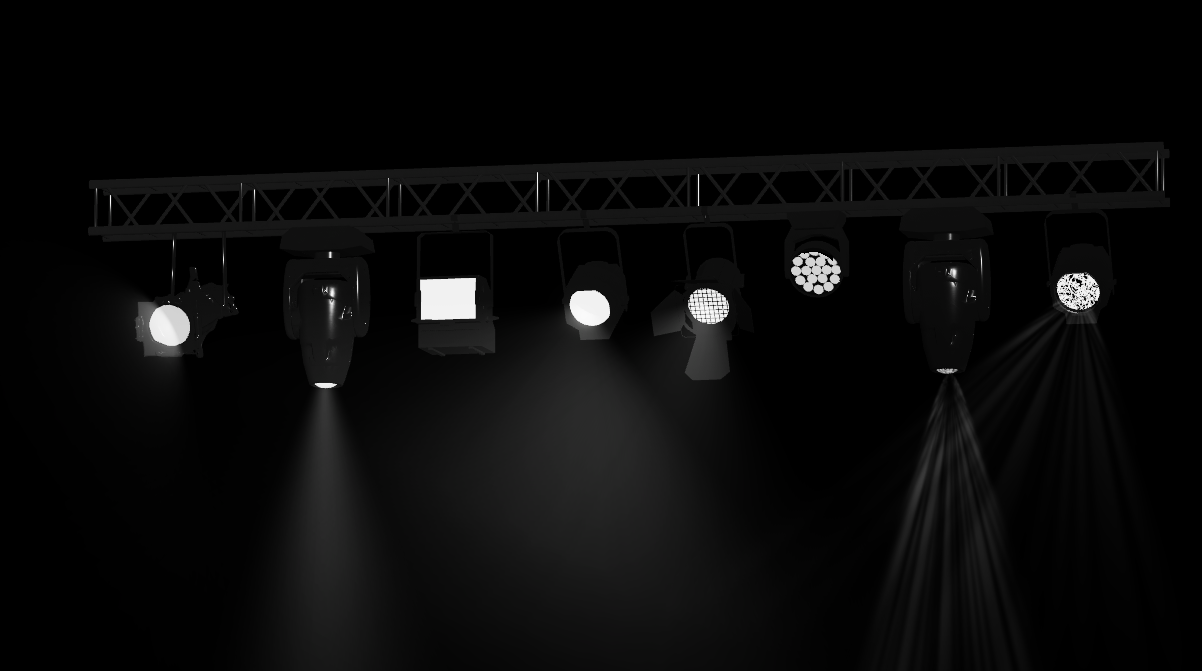
6 Custom Rigs: New moving lights with adjustable rotation and speed — perfect for dynamic stage effects!
-
Enhanced Beam Textures: Higher-quality beams for realistic, professional lighting effects.
-
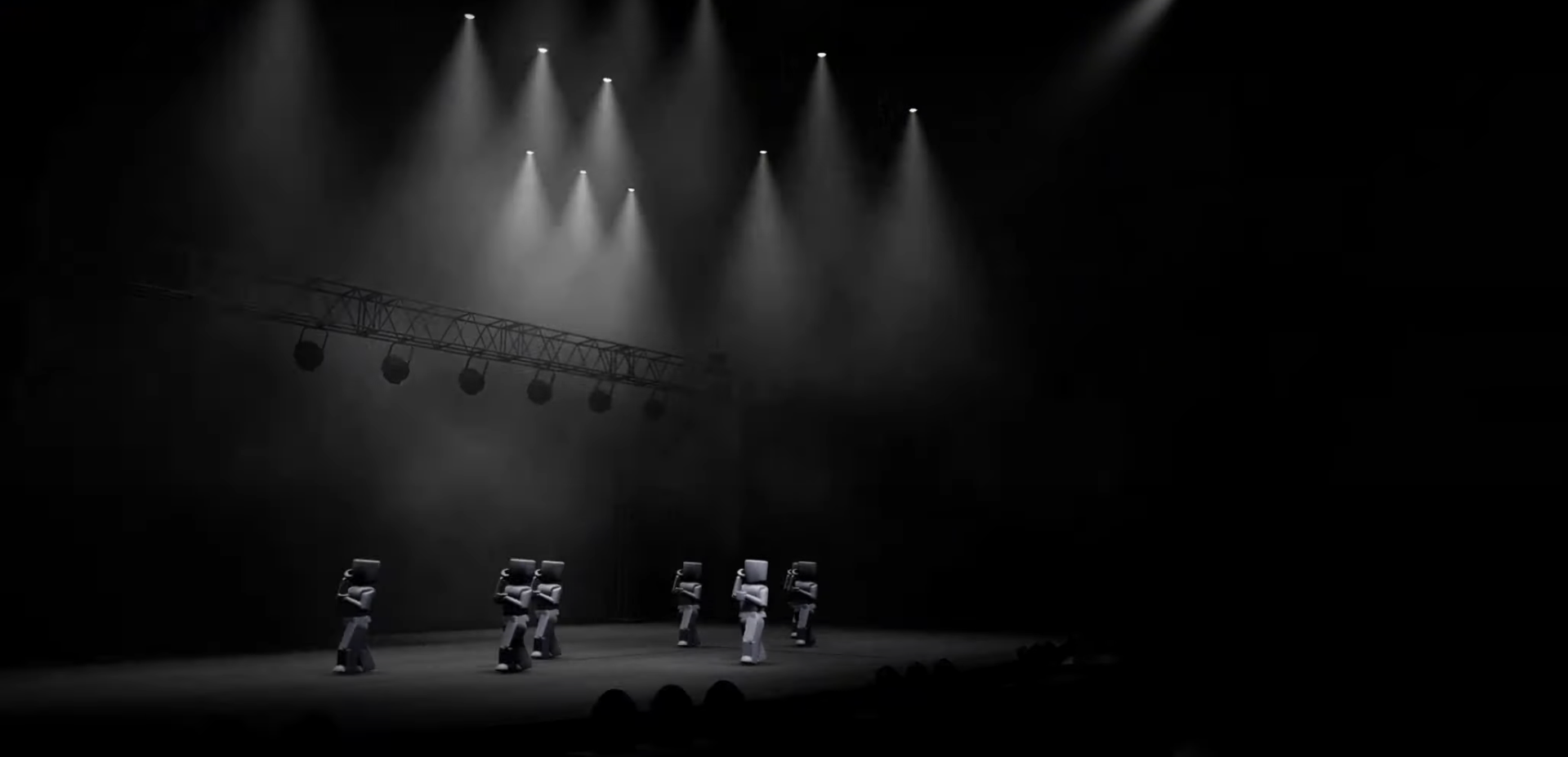
Pre-Scripted Lighting Cues: Ready-made cues like Twinkle, Rotate, and Strobe to add instant excitement to any performance.
-
Gobo Lights: Change the shape, size, and projection of your gobo lights mid-show for an added touch of creativity.
Get started now and create magical, unforgettable stage experiences with LightEase V2! ✨
Purchase
In order to download this game you must purchase it at or above the minimum price of £8.99 GBP. You will get access to the following files:
Comments
Log in with itch.io to leave a comment.
Is there such thing as cues in this? Not predetermined ones, but if i wanted to create a show, and just press a button for a whole scene to happen? If so, i will immediately be buying this.
I will retract my statement, i have had a look at the rest of the profile and holy damn i'm excited.
How do I enable the lighting effects? It doesn't work for me on the technology I'm using.
Hey! I'm assuming that you are talking about Gobos. For them to work, future lighting must be enabled :)
To enable the Future lighting system:
Also HTTP requests must be turned on <3
Thanks for helping out - I didn't see this!